08 9232 3600
SMS communications for student absences and late arrivals
South Thornlie Primary School uses a Short Message Service (SMS) to send text messages to parents/guardians/caregivers to notify them of an unexplained absence or late arrival of their child.
Parents will be informed by our schools automated messanging service (MGM Spacetalk Outreach) each time their child is absent when an explanation has not already been provided to the school. If your child is absent and a reason has been provided before the time the SMS is due to be sent, you will not receive a text message.
SMS is also used to provide information to parents about school community events. This system has been shown to assist in making schools (and parents) more aware of where students are and improve student attendance. These factors will enhance learning opportunities for all students and contribute to their safety.
As a parent, what do I need to do?
Please call the school on 9232 3600 well before the set SMS sending time which will be 9.30am and 12.30pm every day to advise of your child/ren's reason for abcence or late arrival.
SMS Phone Number is 0438 579 518
If you do not contact the school, the SMS system will automatically send you a text message advising you that your child is not present for this day.
How do I reply to an SMS message from the school?
When you receive an SMS about an absence, reply to the number and make sure that the text includes the student name, date of absence and reason for absence. Do not call the number, as it is an automated system using a virtual number.
Sample SMS Reply Message:
Lisa Smith
2 Feb Sick
What will it cost me?
Standard SMS charges apply, depending on your mobile phone carrier and plan. The cost of an SMS is usually cheaper than a local telephone call.
What if my mobile number changes?
Please notify the school immediately if your mobile number changes.

Payments & Donations
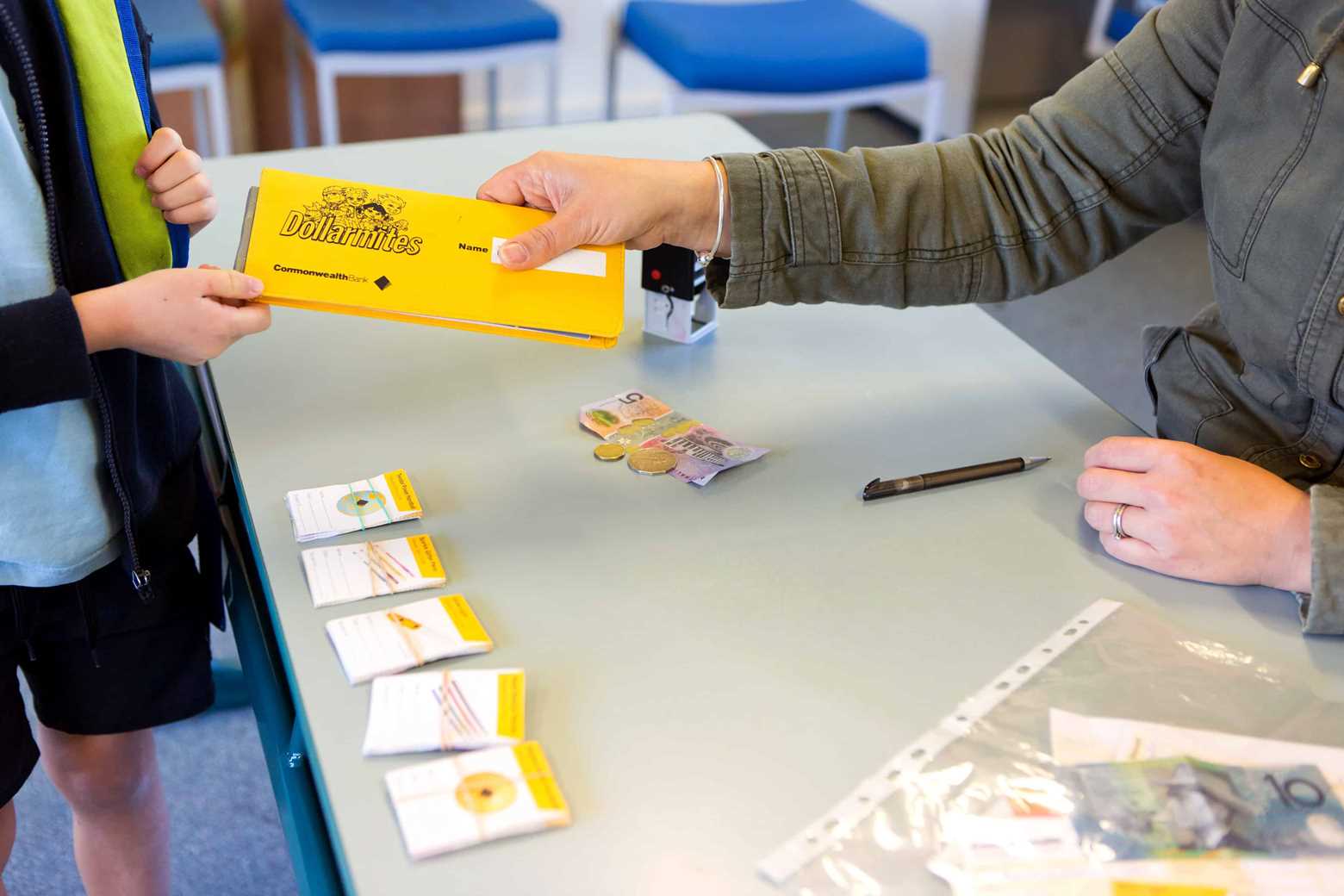
There are 3 options to make payments or donations to the School.
SMS Messaging
SMS communications for student absenses and late arrivals.
Outside School Hours Care (OSHC)
OSHClub provides the highest quality Before and After School Care for on-site Kindy and Primary aged children in a fun and stimulating environment.
Term Dates
View our school term dates